The most sustainable monitor is the one you never ship
Spacetop replaces up to three physical monitors per mobile employee - reducing hardware procurement, energy consumption, and e-waste without asking anyone to work at reduced capacity.
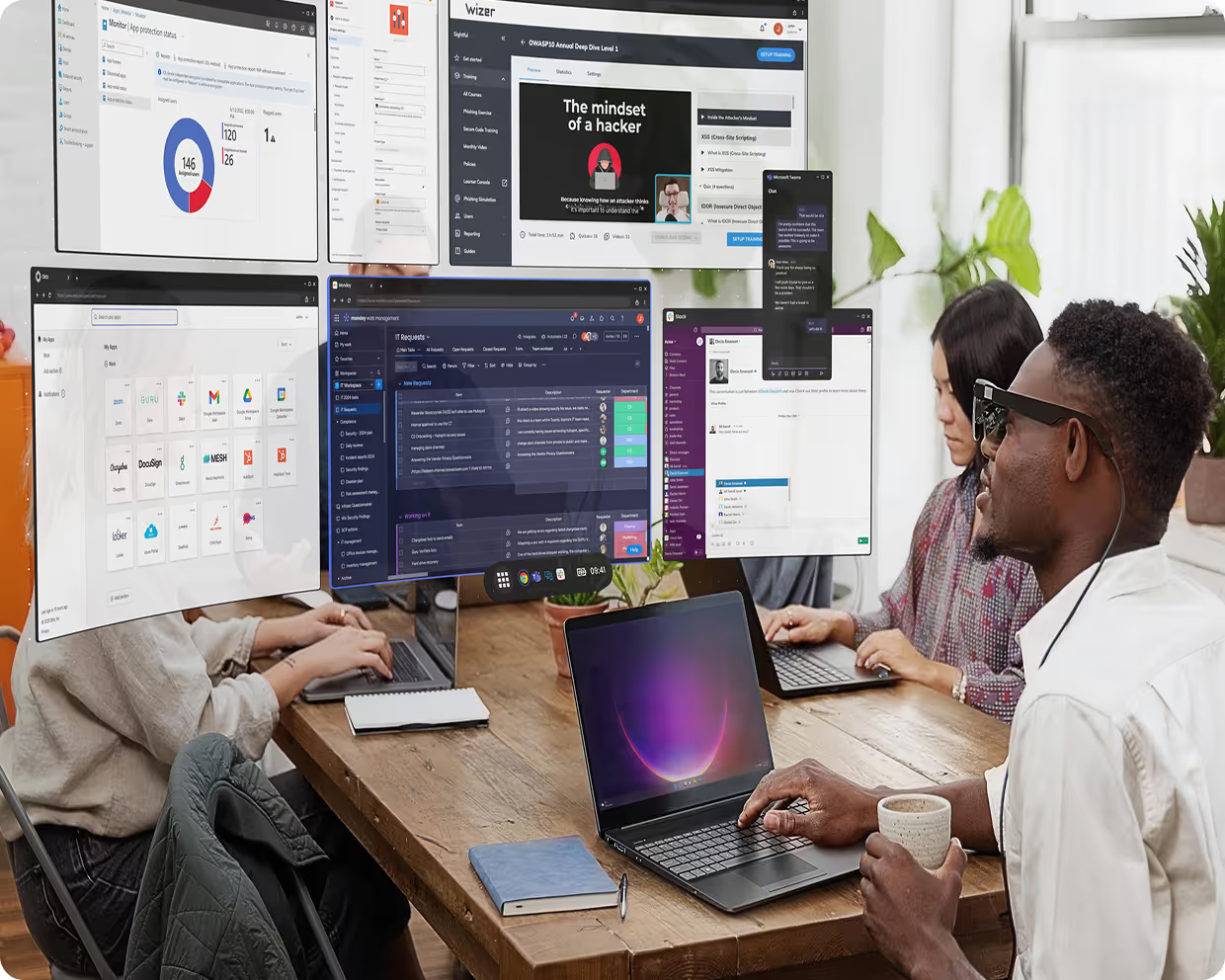
Corporate sustainability commitments are under pressure from two sides: the expectation that every hardware decision is accounted for, and the reality that productivity tools have to justify themselves commercially, not just environmentally.
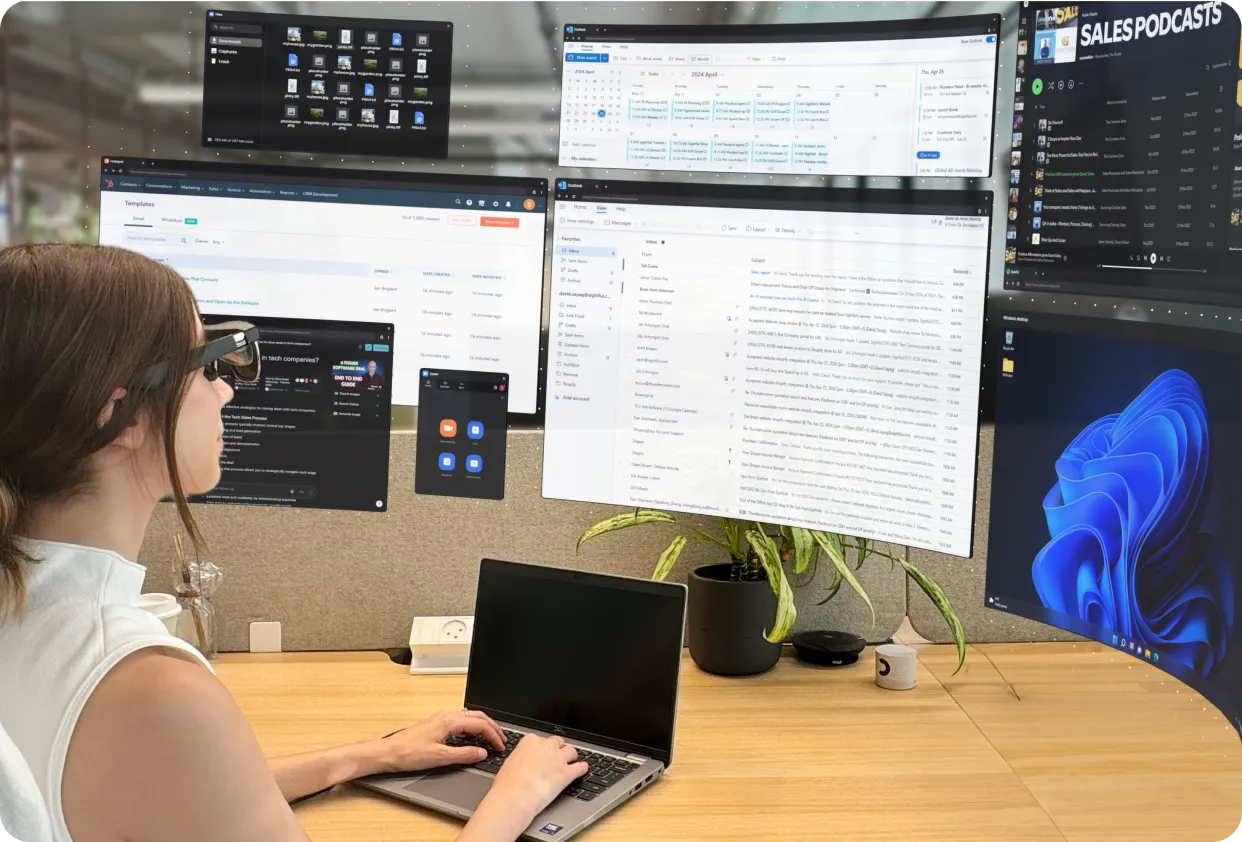
Spacetop is one of the rare tools that does both. The same product that gives employees a private 100-inch workspace also removes the monitors, docking stations, and shipping infrastructure that make enterprise IT one of the largest sources of corporate hardware waste.

Hardware reduction Fewer devices. Less manufacturing. Less waste.
Every Spacetop deployment replaces physical monitors that would otherwise need to be procured, shipped, powered, and eventually disposed of. A typical multi-monitor desk setup — two external monitors plus a docking station — represents roughly 15–20kg of hardware per employee. For a 100-person mobile team, that's up to 2,000kg of hardware that never needs to be manufactured, warehoused, or recycled.
What this means in practice:
Eliminates external monitor procurement for mobile and hybrid workers
Reduces docking station purchases for hot-desk and hoteling environments
Lowers IT storage, logistics, and refresh cycle costs
Extends the useful life of existing laptops by removing the dependency on a fixed desk setup
Energy consumption One device drawing less power than the screens it replaces.
A standard 27-inch external monitor draws approximately 25–40W during active use. A two-monitor desk setup draws 50–80W continuously throughout the working day, before accounting for the docking station. Glasses draw approximately 2W via USB-C from the host laptop.
At 100 employees, that's approximately 10,600–13,600 kWh saved annually.
figures assume 8hr active use, 220 working days. Actual savings depend on employee work patterns and existing hardware. Use these as directional estimates and run your own calculation using the inputs above

E-waste and lifecycle The device that doesn't exist can't become landfill
Electronic waste is the fastest-growing waste stream in the world. Monitors, docking stations, and associated cables represent a significant and often overlooked share of enterprise IT disposal costs.
Spacetop reduces this in two ways:
Every monitor not procured is a monitor that never reaches end-of-life. For teams with multi-year hardware refresh cycles, the avoided procurement compounds over time.
A significant driver of laptop replacement is the friction of an underpowered mobile setup - employees push for new hardware because their existing laptop "feels slow" outside the office. Spacetop extends the perceived and functional life of existing devices by removing that friction, reducing premature refresh cycles.
What to include in your sustainability reporting
Spacetop's environmental impact can be reported across three standard ESG categories:
purchased energy
Reduced electricity consumption from eliminated display hardware. Use the energy table above to calculate avoided kWh based on your fleet size and working pattern assumptions.
value chain emissions
Avoided manufacturing and logistics emissions from monitors and docking stations not procured. Lifecycle carbon data for common enterprise monitors is available from manufacturers on request - apply avoided units × lifecycle carbon per unit.
Hardware waste
Reduced e-waste volume from avoided hardware procurement and extended laptop refresh cycles. Reportable under GRI 306 (Waste) or equivalent internal frameworks.
Sustainability benefits of space stop
display energy consumption per mobile employee vs. two external monitors
of hardware eliminated per employee (monitors + docking station)
drawn by glasses via USB-C during active use
replaced by one pair of glasses per mobile worker
The most sustainable piece of hardware is the one that never gets manufactured
FAQs
After your purchase is complete, you will receive detailed instructions for downloading the Spacetop software.
Spacetop turns your existing laptop into an immersive AR-powered workspace.
By pairing your laptop with premium AR glasses (XREAL Air 2 Ultra) and our custom Spacetop for Windows software, you unlock a new way to work - featuring persistent multi-screen setups, enhanced readability, and optimized support for your favorite business applications.
Spacetop is the only platform built specifically for business professionals. It is designed for all-day comfort, optimized for text clarity, and tailored for seamless workspace navigation. This ensures a customizable setup that maximizes focus and efficiency, empowering you to work at your best.
At the heart of the Spacetop experience lies a comprehensive bundle, carefully curated to deliver maximum productivity and an immersive work environment. This bundle comprises:
- Premium AR Glasses (XREAL Air 2 Ultra): These cutting-edge augmented reality glasses are not merely a display; they are a gateway to an expansive, virtual workspace. Engineered for comfort and clarity, the XREAL Air 2 Ultra glasses provide a high-resolution, vibrant visual experience that is critical for extended periods of professional use. Their lightweight design ensures minimal fatigue, allowing users to remain focused and productive throughout their workday.
- Spacetop Proprietary Software: The true magic of Spacetop lies in its custom-built software. This intelligent platform, meticulously optimized to unlock the full potential of the AR glasses, creates an intuitive virtual workspace. Designed for business professionals, it seamlessly integrates with their everyday workflows and business applications.
This combination creates a powerful, multi-screen workspace that boosts productivity and mobility without sacrificing performance.
Spacetop is the only platform built specifically for workspace productivity. Unlike other AR systems that are often bulky or limited to screen mirroring, Spacetop’s app and glasses are designed for all-day comfort, optimized for text clarity, and tailored for seamless workspace navigation. This ensures a customizable setup that maximizes focus and efficiency, empowering you to work at your best.
We provide the option to purchase optical attachments for users who wear glasses with distance correction (available during checkout). There's also an option for those who wear progressive lenses, to allow you to focus well on both the projected screen and the keyboard.
If purchased, the attachments are provided together with the AR glasses shipment.
If you use your distance glasses for activities such as driving at night or watching movies, we recommend purchasing the attachments, to ensure optimal clarity when using Spacetop.
If you have only a reading prescription, you do not need corrective lenses when using Spacetop.
Once your order is approved and processed internally, you will receive an email with the link to upload your prescription details.
At the moment Spacetop is only compatible with XREAL Air 2 Ultra AR glasses, but our intention is to offer a wider range of compatible glasses in future.
Spacetop works optimally with a wide range of laptops that run Windows. It is essential to have a laptop with a chipset strong enough to support Spacetop, and so far, we have validated laptops with Intel Meteor Lake and Lunar Lake processors as well as Qualcomm Snapdragon. See here for the most up to date compatibility specifications.
The $699 one-time hardware fee covers one pair of XREAL glasses. Prescription inserts are available as an optional add-on for $50 (single vision; progressive coming soon). Hardware can be deployed as Dedicated (one pair per user) or Pooled (shared IT library — reduces units needed per team).
Spacetop supports the vast majority of commonly used Windows and web-based business applications. This includes tools like Microsoft Outlook, Excel, Word, Google Workspace apps (Gmail, Docs, etc.), web browsers like Chrome and Edge, as well as communication and media platforms such as Slack, Zoom, Google Meet, YouTube, and Netflix.
We're continuing to expand compatibility and optimize performance, particularly for more demanding applications such as video editing. Stay tuned, there's more to come soon.
Approximately 90% of modern enterprise laptop fleets. Requirements: Intel Core i7/i9 (12th Gen+) or Core Ultra, 16GB RAM, Windows 11 version 24H2, USB-C with DisplayPort. We can verify compatibility before you commit.
Via Microsoft Intune (MDM) for enterprises, or individual download link. No inbound firewall rules required. Outbound HTTPS only. SSO via Google, Okta, and SAML identity providers.
Right now no, but we are working to have a Mac version available as part of the 2026 development roadmap.
SOC 2 Type II Ready. GDPR Compliant. CCPA Compliant. HIPAA-Aligned. Zero-trust architecture ready. Visual DLP built into the hardware — the laptop screen is physically blacked out, making the workspace invisible to bystanders.
After your purchase is complete, you will receive detailed instructions for downloading the Spacetop software.
Scale up at any time.
Check out the full Orders & Shipping FAQs on our help center →